Last modification: 8 Apr 2014
Download the latest developer version of PARSEC from the developer repository using Mercurial or get a stable release from.
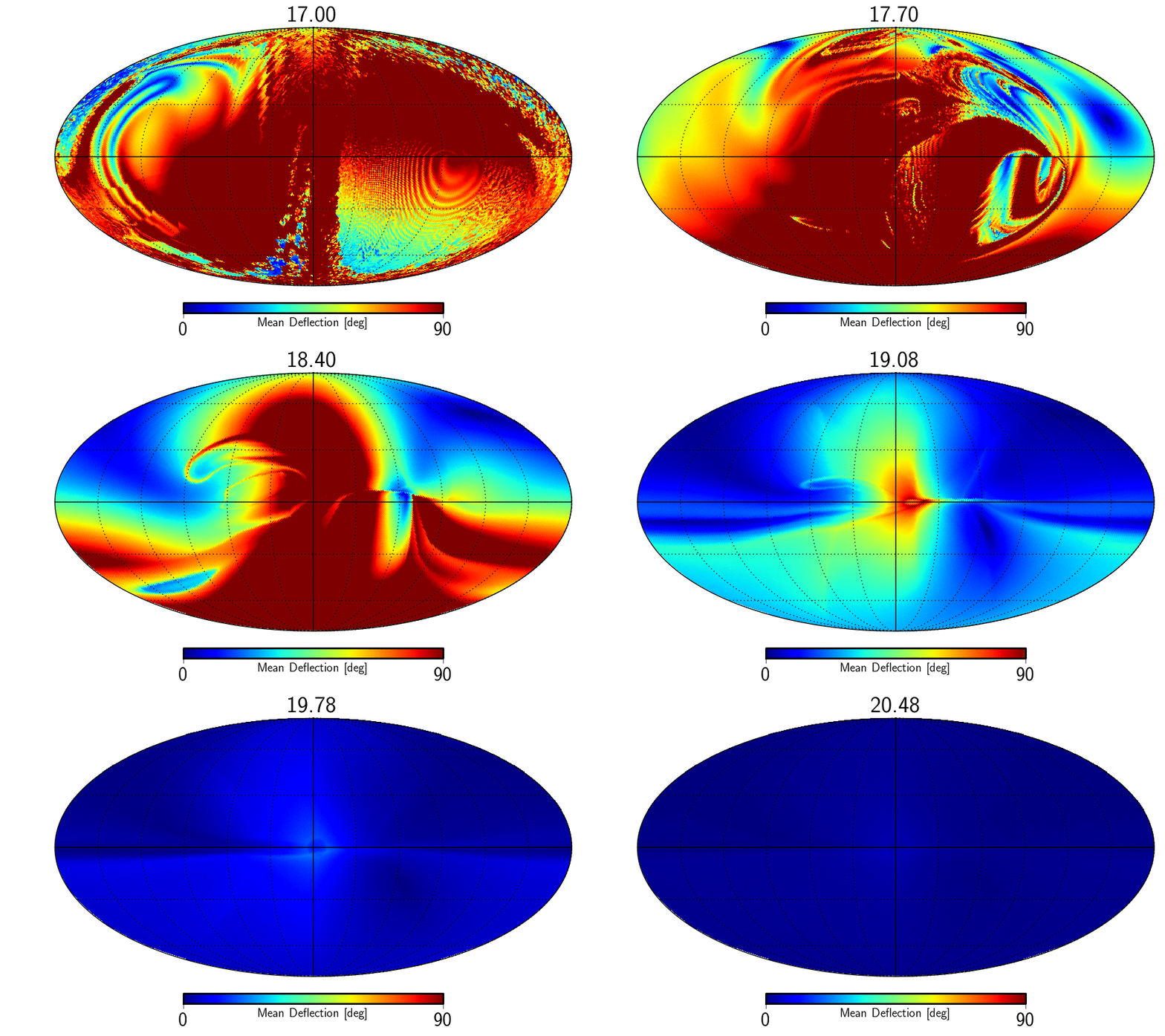
| Map of average deflection of particles seen from earth | JF2012 regular | JF2012 full |
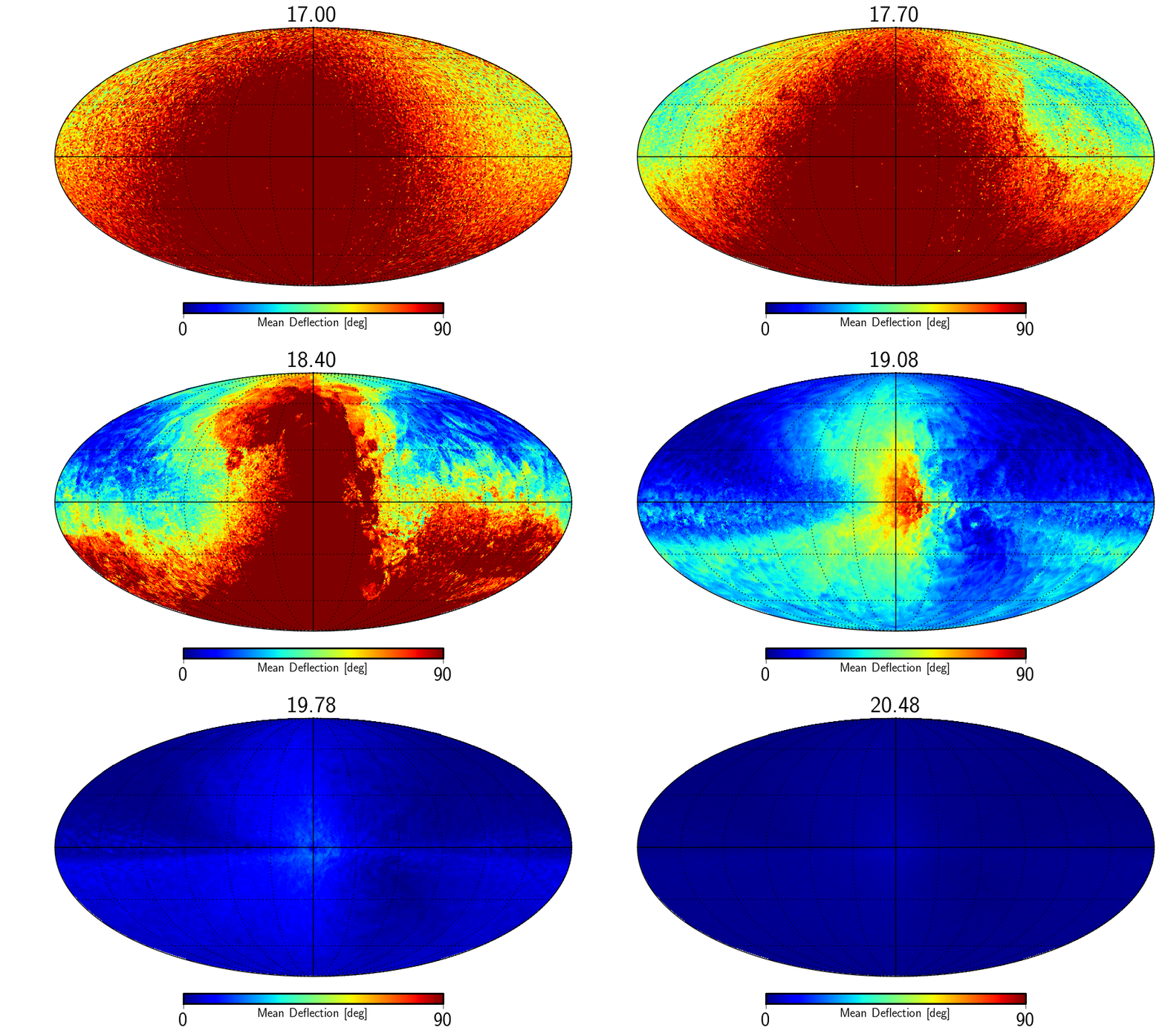
| Map of average deflection of particles entering the galaxy | JF2012 regular | JF2012 full |
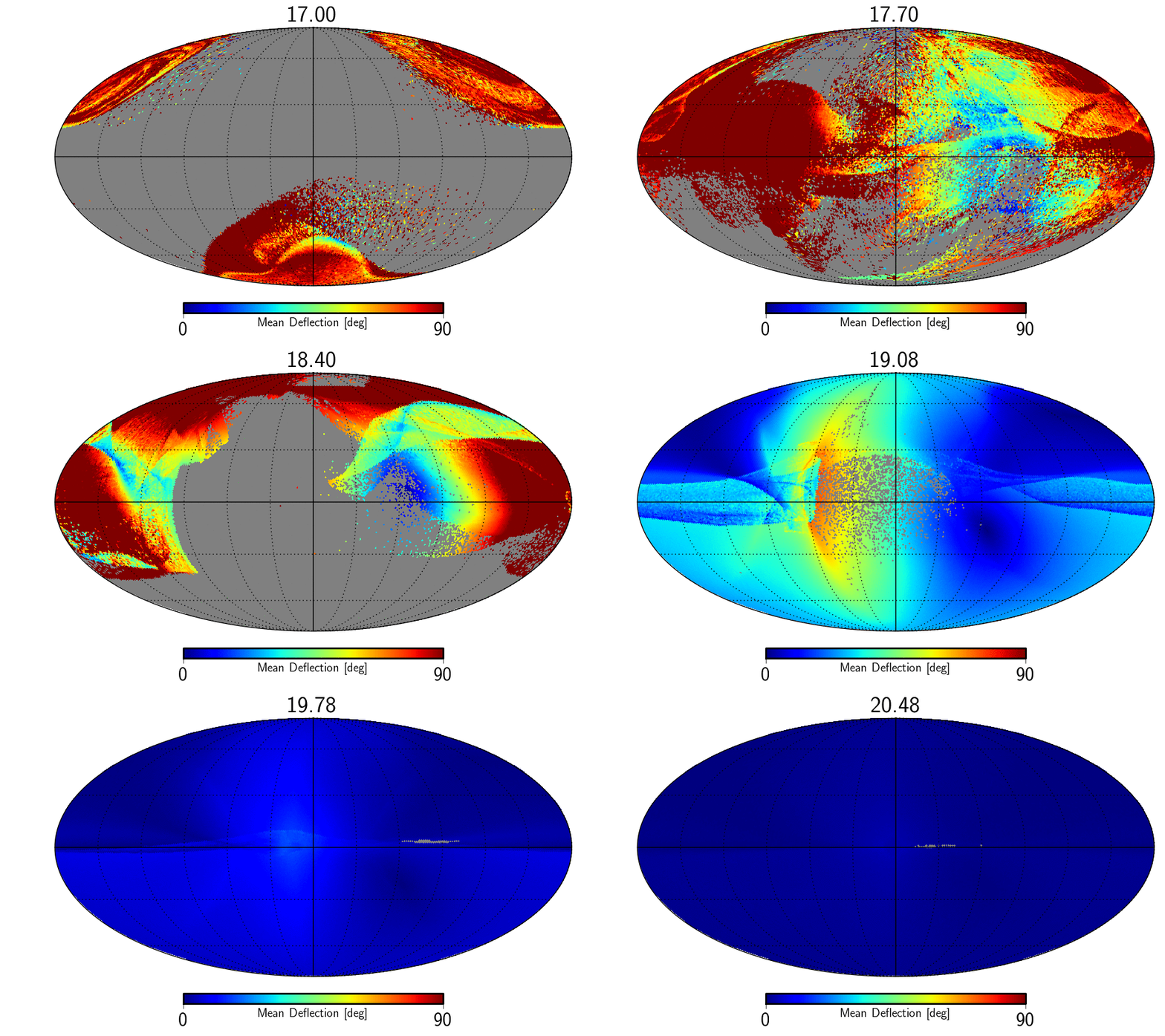
| Map of sensitivity | JF2012 regular | JF2012 full |
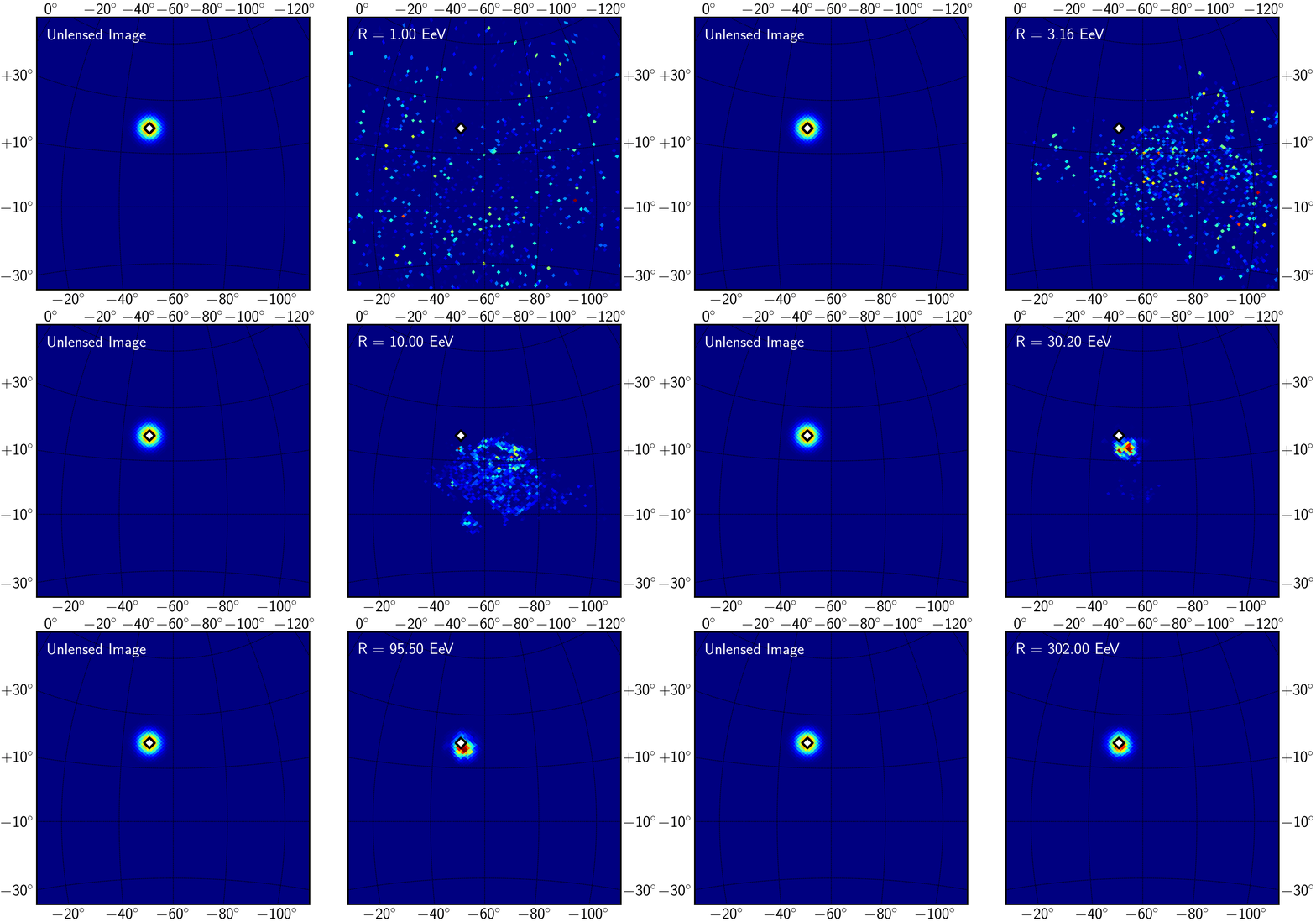
| Map of the expected deflection in the Cen A region | JF2012 regular | JF2012 full |
| N [muG] | z1 [kpc] | z2[kpc] | File |
|---|---|---|---|
| 0.25 | 0.075 | 1.00 | BSS_S_N_0.25_z1_0.075_z2_1.0.tgz |
| 0.25 | 0.300 | 4.00 | BSS_S_N_0.25_z1_0.3_z2_4.0.tgz |
| 0.25 | 1.200 | 16.00 | BSS_S_N_0.25_z1_1.2_z2_16.0.tgz |
| 1.00 | 0.075 | 1.00 | BSS_S_N_1.0_z1_0.075_z2_1.0.tgz |
| 1.00 | 0.300 | 4.00 | BSS_S_N_1.0_z1_0.3_z2_4.0.tgz |
| 1.00 | 1.200 | 16.00 | BSS_S_N_1.0_z1_1.2_z2_16.0.tgz |
| 4.00 | 0.075 | 1.00 | BSS_S_N_4.0_z1_0.075_z2_1.0.tgz |
| 4.00 | 0.300 | 4.00 | BSS_S_N_4.0_z1_0.3_z2_4.0.tgz |
| 4.00 | 1.200 | 16.00 | BSS_S_N_4.0_z1_1.2_z2_16.0.tgz |